
Cinemagraphs & Animated Headshots: Should You Get One?
Wondering if you need an animated headshot? Learn what cinemagraphs are, where they work, and when a traditional headshot is still your better option.
You’ve probably seen them while scrolling LinkedIn, headshots that aren’t quite still. Someone’s hair moves slightly in the wind, or their eyes blink, or there’s a little movement in the background while they stay frozen in place.
These are cinemagraphs, sometimes called animated headshots, and they’re showing up more in professional spaces. But do you actually need one?
What Exactly Is a Cinemagraph?
A cinemagraph sits somewhere between a photo and a video. It’s a still image with one small section that loops continuously.
You’re standing still in a headshot pose, but your jacket moves slightly like there’s a breeze. Or your expression changes a little. The movement is subtle, just enough to catch attention without being distracting. Kind of like a small gif animation.
They’re different from video which has sound and a complete action. A cinemagraph is meant to feel like a living photograph, not a clip.
How Are They Created?
It starts with video footage, usually a short clip where you stay mostly still while one element moves.
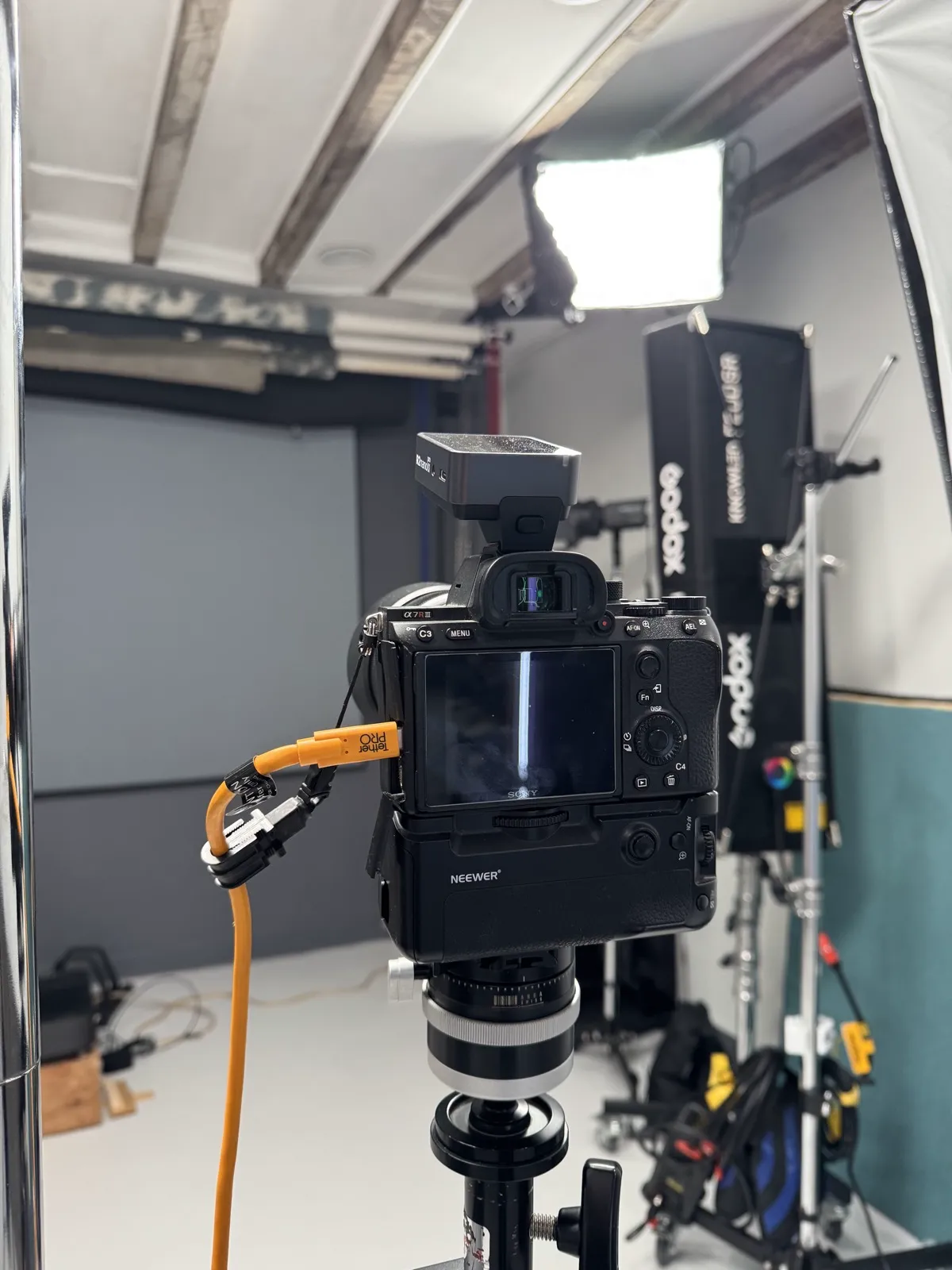
From there, your photographer can isolate the movement they want to keep and masks everything else so it stays frozen. The moving portion loops cleanly, so you can’t tell where it starts or ends.
This takes video equipment, careful lighting, and precise editing, usually a few attempts to get the loop right. It costs more than a standard headshot session and produces a larger file than a JPEG image, since it’s a short video loop instead of a static image.
Where You Can Actually Use Them
LinkedIn supports animated profile photos, you upload an MP4 and it plays on loop when someone views your profile. Website headers and about pages work well too, since they add visual interest without asking visitors to click play. Digital portfolios for creative professionals can show them off effectively, and some email signatures support them, though a lot of email clients strip the animation out and just show a still frame which defeats the whole purpose here.
What doesn’t work is anywhere a static image is required, print materials, business cards, conference badges. Those still need a traditional photo obviously.
When They Make Sense
An animated headshot might be worth considering if you work somewhere visual standing out is part of the brand, like film, design, or content creation. Same if your personal brand leans into innovation or tech, or you already have a specific use in mind, like a website redesign or a social media relaunch.
For most professionals in more traditional fields, law, finance, healthcare, an animated headshot might read as gimmicky rather than professional. And honestly, most people scrolling past your profile probably won’t notice whether your headshot moves. What they will notice is whether you look approachable and professional, and a still image handles that just fine.
If You Decide to Get One
Find someone with actual video experience. This isn’t something every headshot photographer offers or would be good at, so ask to see samples first.
Get traditional stills from the same session too. You’ll still need them for print materials and any platform that doesn’t support animation.
Check the platform requirements before you book, so you know your intended platforms actually support the file format and size.
And keep your expectations realistic. An animated headshot might get you a few extra profile views, but it’s not going to replace strong positioning or actually networking with people. Wouldn’t that be easy?? haha.
Animated headshots are a tool for specific situations, not something everyone needs. If you’re not sure it’s for you, start with a traditional headshot. You can always add an animated version later.
Part of my guide to Professional Headshots in Philadelphia.
Ready to Get Started?
Have questions? Let's discuss your needs and create perfect professional images.